 eclectek
Made for Samsung The Frame, AppleTV, and your Favorite Smart Frame
Give your wall a treat.
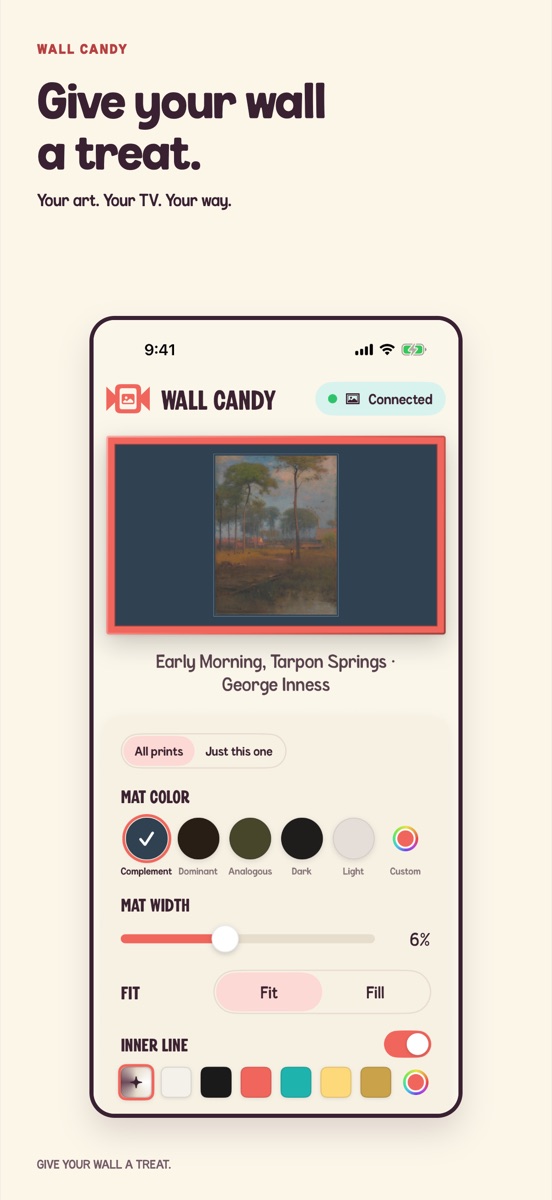
Bring your favorite photos and art to The Frame. Find the right mat, make it yours, and hang it up in Art Mode.
How it works
Style it. Collect it. Hang it.
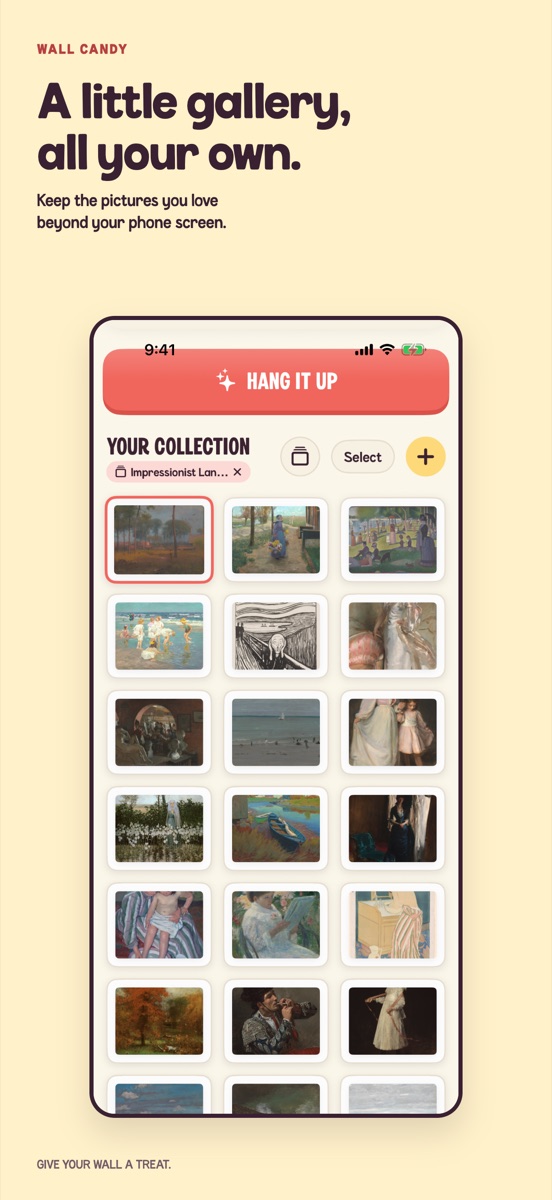
Give each picture a mat that complements it, picks up its dominant color, or adds a look of your own. Gather the ones you love into a little gallery, then send them to The Frame.
Bring in your pictures
From your camera roll to the Met.
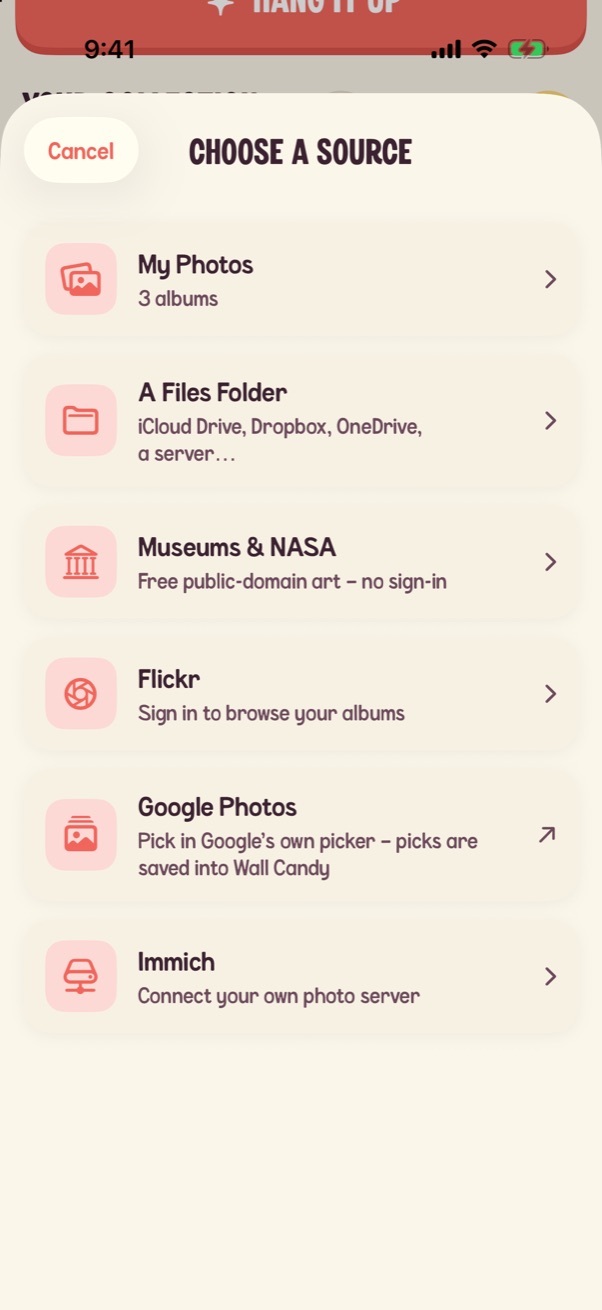
Pull from wherever your pictures already live. Every source feeds the same studio, so any picture gets the full candy treatment.
-
My Photos
Your albums and favorites.
-
Shared Albums
Albums friends and family share with you.
-
A Files folder
iCloud Drive, Dropbox, OneDrive, a server…
-
Museums & NASA
Free public-domain art. No sign-in.
-
Flickr
Sign in to browse your albums.
-
Google Photos
Pick in Google's own picker. Your picks are saved into Wall Candy.
-
Immich
Connect your own photo server.
Museums & NASA collections
Public-domain works from museum open-access programs and the NASA image library.
- Impressionist Landscapes · Art Institute of Chicago
- Japanese Woodblock Prints · Art Institute of Chicago
- Dutch Golden Age · The Met
- Seascapes · The Met
- Botanical Studies · Cleveland Museum of Art
- American Landscapes · Cleveland Museum of Art
- Abstract Color · Art Institute of Chicago
- Deep Space · NASA · Hubble & Webb
- Earth from Orbit · NASA
- Apollo · NASA
- Mars · NASA · rovers & orbiters
Hang it up
Made for The Frame. Happy on any TV.
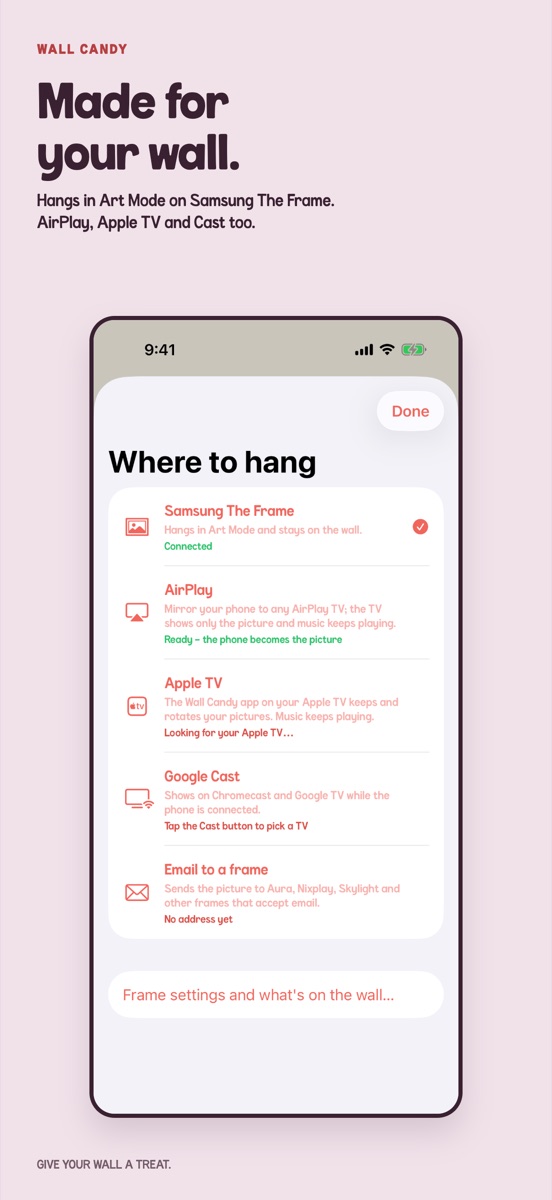
Wall Candy hangs your pictures right in The Frame's Art Mode, where they stay on the wall. No Frame? It shows on other TVs and photo frames too.
Samsung The Frame
Hangs in Art Mode and stays on the wall, long after your phone leaves the room.
- Finds your Frame on the Wi-Fi.
- Hangs a whole collection at once, and confirms each picture made it to the TV.
- Rotates your pictures in Art Mode, on the schedules your Frame supports.
- Shows what's on the TV, so you can tidy it up from your phone.
- Matches the preview to your bezel: Black, White, Teak, Brown, Sand Gold or Brick Red.
Also hangs on
-
Hang it up
Apple TV
The Wall Candy app on your Apple TV keeps and rotates your pictures. Music keeps playing.
-
Show it
AirPlay
Mirror your phone to any AirPlay TV. The TV shows only the picture, and music keeps playing.
-
Show it
Google Cast
Shows on Chromecast and Google TV while the phone is connected.
-
Send it
Email to a frame
Sends the picture to Aura, Nixplay, Skylight and other frames that accept email.
- Make it a showHang several pictures at once and AirPlay or Apple TV runs them as a slideshow, at the pace and with the transition you pick.
- Make it the screensaverTurn your collection into the Apple TV screensaver.
- Browse right on the TVThe Apple TV app hangs museum art and NASA shots on its own, no phone needed.
Your art. Your TV. Your way.
Made for Samsung The Frame. Coming soon for iPhone and iPad.
Those candy bubbles behind this page? That's what your TV shows while it waits for the next picture.